This how to shows the steps needed to add multiple roles to a person or organisation
(for example the same company being client and supplier). It does not cover how
to adding a person or organisation itself.
Table of Contents
Adding A Role To A Person Or Organisation
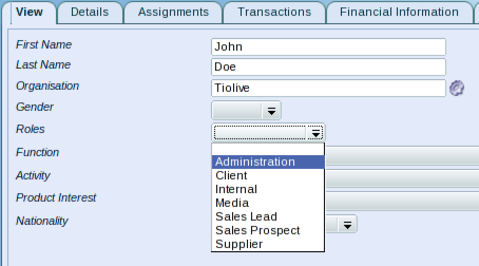
- Go to the person or organisation module.
- Select the person or organisation you want to add a role to.
- From the View tab, select a role and Save.
Adding Additional Roles To A Person Or Organisation
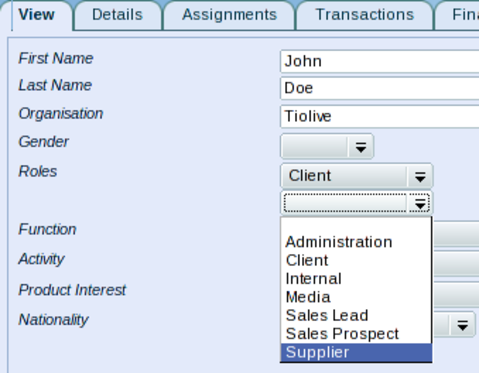
- Once a role has been saved, a new drop down menu is available under the existing role.
- Select a second role and Save again.
- Repeat this step as often as necessary.
Related Articles