This howto will show how to request a new password for an ERP5 User Login. It
does not cover change a password.
Table of Contents
Request A New Password
- Go to your ERP5 instance and select My Favorites > Login
- Click I forgot my password.
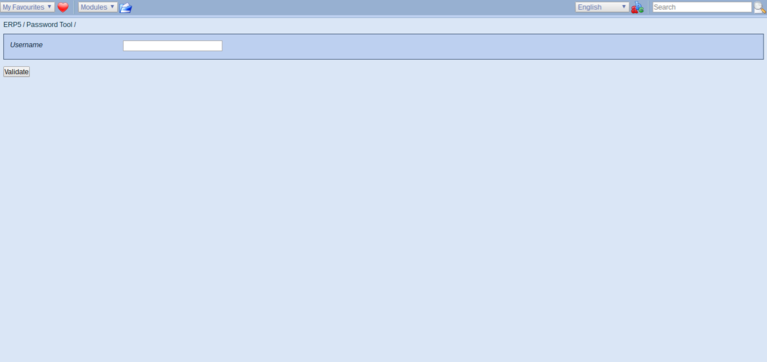
- Enter your username and click Validate.
An email will be sent to the address defined on your person document in the person module. It will include
a link, which can be used once to reset your password and create a new one.
Create A New Password
- Follow the link
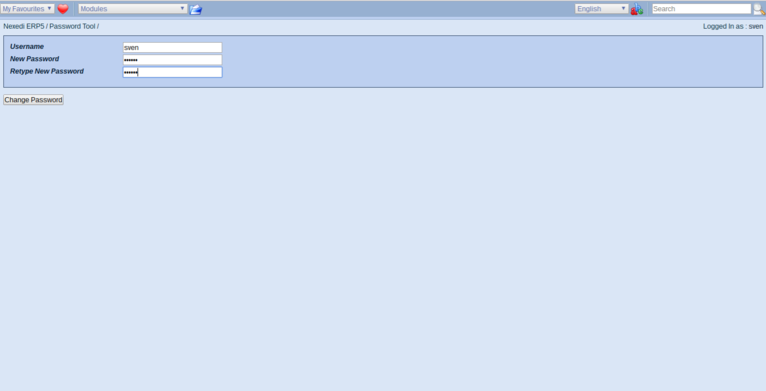
- Add your Username and choose a new password
- Click Save. You will be asked to Login again with your new password.
Related Articles