ERP5 consists of ERP5 core and business templates (bt5). This documents will highlight the steps necessary to update ERP5 core itself. For updating specific bt5, please look at how to update business templates.
Table of Contents
Update ERP5 Instance
An ERP5 instance can be updated manually or using the erp5_upgrader business template. Both ways are explained below.
Update Using ERP5 Upgrader
Update the SlapOS repository
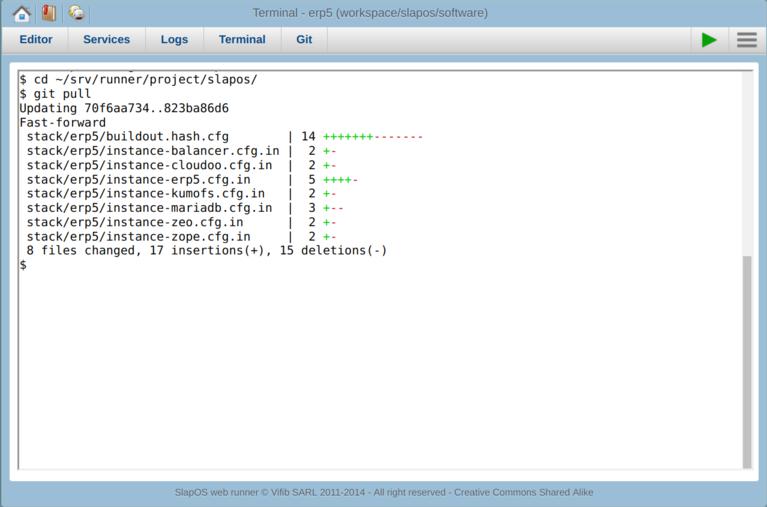
Enter the ~/srv/runner/project/slapos directory, use "git pull" command to update the slapos repository:
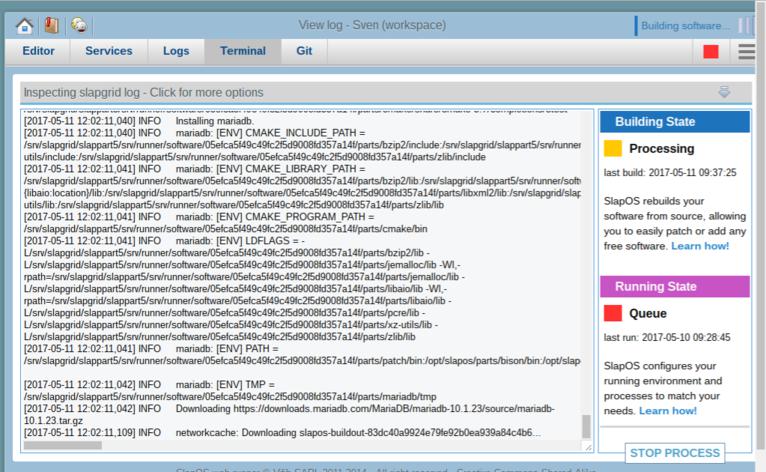
Click the Play button
After all the steps in above were done. Click the "Play" button to rebuild the ERP5 instance in Webrunner. Then the upgrader in below can detect the things which need to be upgrade.
Install erp5_upgrader Business Template
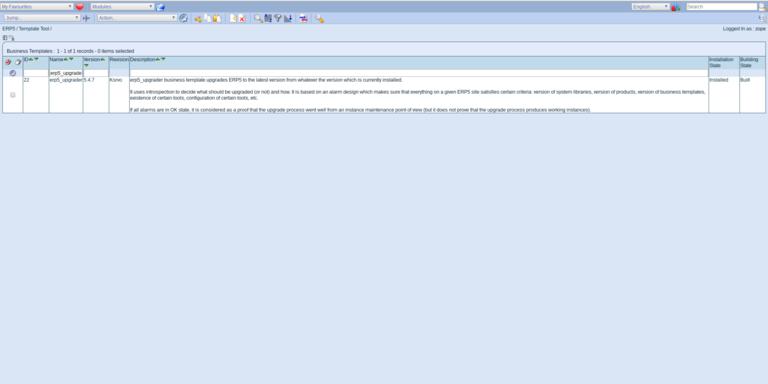
The upgrader is a business template itself. Head to My Favorites > Manage Business Templates and make sure you have the upgrader installed or install it in case it is missing.
Configure Scope Of Templates to Upgrade
Once installed, head to [your instance]/portals_skins/manage_main and locate the erp5_upgrader folder. Locate the Base_getUpgradeBusinessTemplateList script. 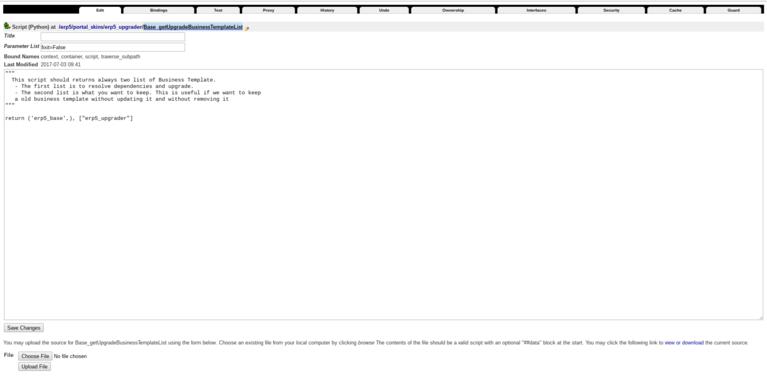
The script includes the business templates to update and the ones to exclude during updates. Both entries are dependency-agnostic, so erp5_base will als automatically upgrade its dependency erp5_core. The larger an ERP5 project grows, the more fine-grained this definition of business templates will be/have to be made.
Check Promise Upgrade Alarm
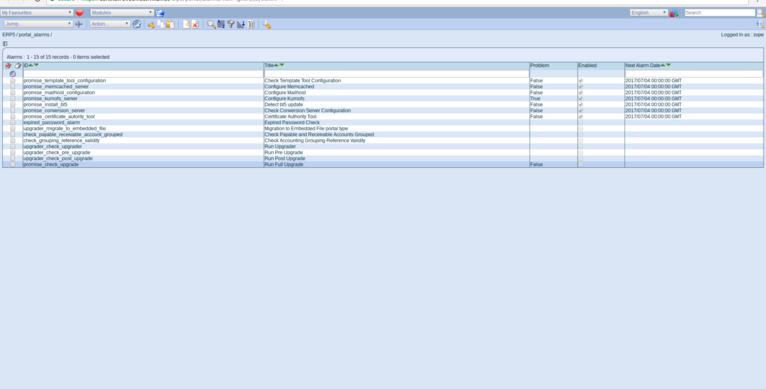
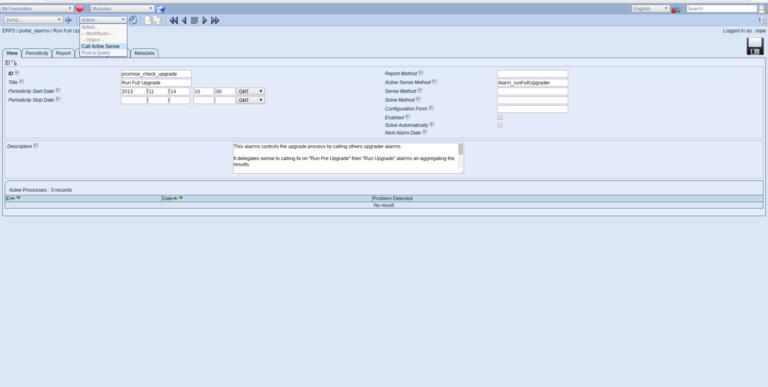
The upgrader adds an alarm called promise_check_upgrade. Head to [your instance]/portal_alarms and locate it.
Call Active Sense
The alarm can be run automatically to generate a list of core templates to update which will be included in the alarm result. To call the alarm call Call Active Sense¶ in the actions tab. Refresh the page after a few seconds to see the result.
Upgrading
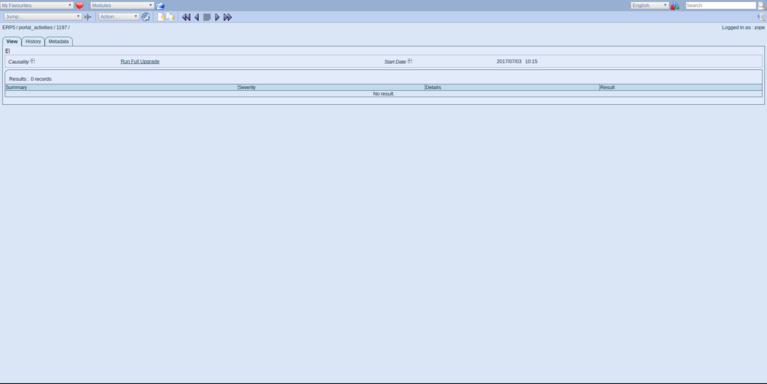
The alarm may return several outputs:
- False: Nothing to upgrade. Your instance is up to date
- True: Some core templates need to be updated
In case an update is required the action XXX will be available to perform the actual upgrade. Make sure you check the business template listed in the alarm result in order to prevent accidential uninstallation of templates flagged for removal. To do so, add the templates to the template list exclusion list in Base_getUpgradeBusinessTemplateList.
Manually Ugrade ERP5 Instance
Pull updates in Webrunner
Log in to your webrunner and use the terminal (or SSH) to locate your software.cfg file.
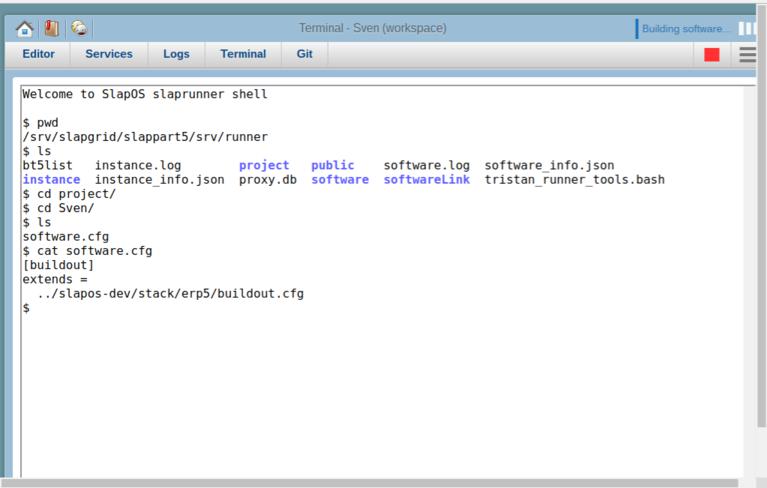
This file contains the location of your actual ERP5 repository. The repository being used in how to update business templates is NOT the correct repository for updating ERP5 itself. As updating ERP5 requires to rebuild/recompile, a simple update of a business template is easier from the software release. Doing so however requires you to be aware of changes in ERP5 core itself, because if an updated template depends on updating a core component, your instance will no longer work.
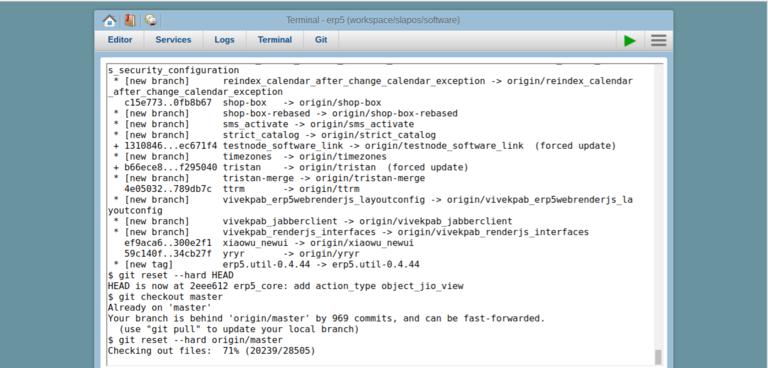
Go the folder that contains your ERP5 repostitory and (in the case above slapos-dev. Normally the erp5 repository can be found in your software/[HASH]/parts/erp5. Once you have located the erp5 git repository:
      git fetch
  git reset --hard HEAD
  git checkout master
  git reset --hard origin/master
Alternatively you can use:
git pull --rebase
to update your repository to the latest version.
Rebuild/Recompile
Stop all services on your ERP5 instance in the Services tab, then click the green play button to trigger rebuild/recompilation of your ERP5 software release.
Update Business Templates
Once ERP5 is back up running, you can update business templates inside ERP5 through Manage Business Templates. See How to Update Business Templates for more information on updating business templates.
Related Articles